IP warming schedule for 500,000 to 5 million emails a month
An example day-by-day warm-up schedule for a 1M and a 5M a month sender, what to send first, what to watch, and when to stop raising volume.
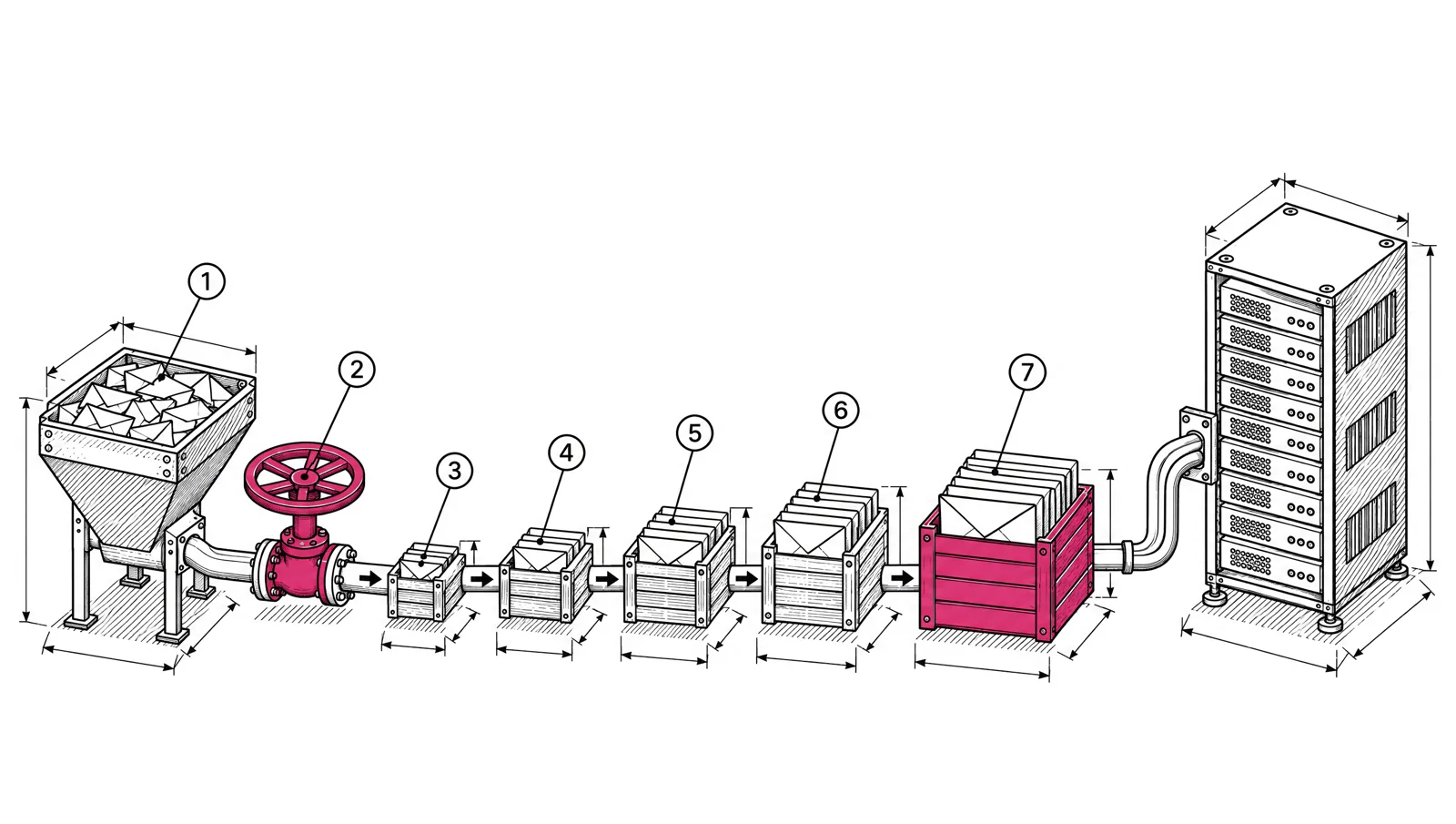
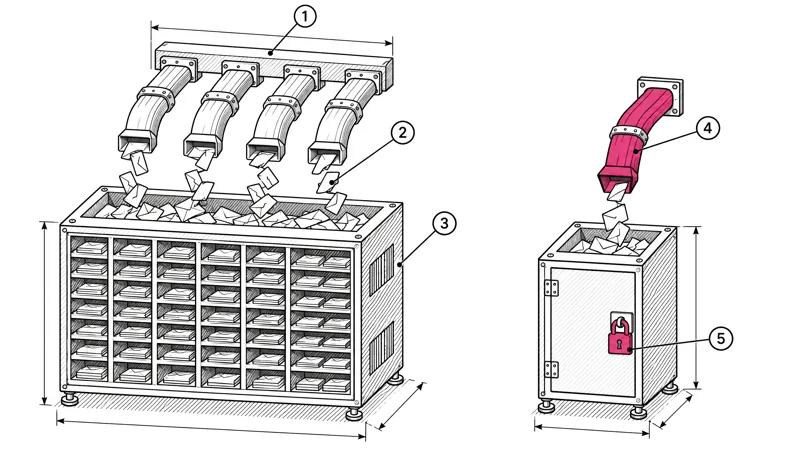
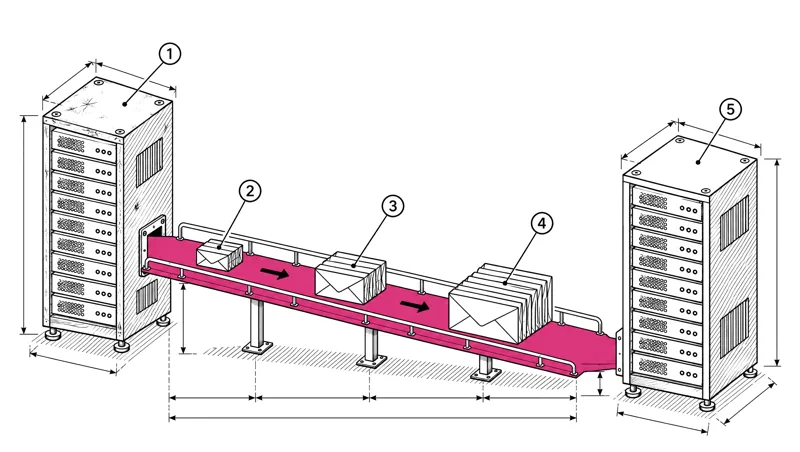
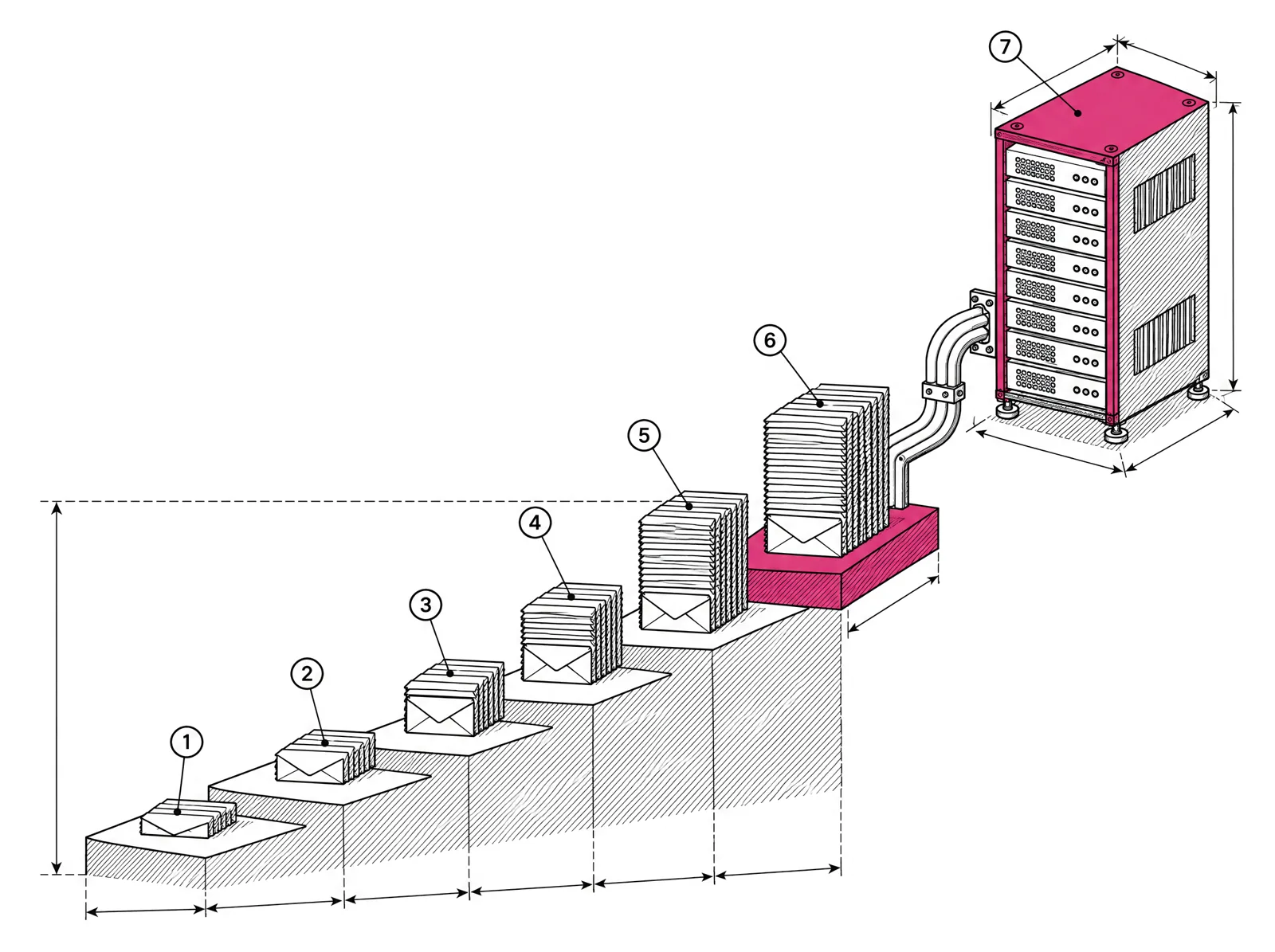
A new dedicated IP has no history, so mailbox providers limit how much mail they accept from it. Warm-up is the period where you raise daily volume in steps, starting with your most engaged subscribers, until the IP carries your full send. For a sender at 1 million emails a month this usually takes two to four weeks. At 5 million it takes longer, and the exact pace depends on how the providers respond, not on a calendar.
This post gives an example schedule for both volumes, the order to add subscribers in, the signals to watch every day, and the rules for pausing.
Why new IPs need a ramp
Gmail, Yahoo and Microsoft judge a sender by its history. A new IP has none. When it suddenly sends 150,000 messages in a day, the receiver sees the same pattern a spammer with a fresh server produces. Google’s sender guidelines say it directly: increase volume slowly, and avoid sudden spikes such as doubling your volume.
Two kinds of reputation are in play:
| Reputation | Tied to | Moves with you to a new IP? |
|---|---|---|
| IP reputation | The sending IP address | No. A new IP starts from zero. |
| Domain reputation | Your From domain and DKIM signing domain | Yes, if you keep the same domains. |
A good domain reputation helps a new IP ramp faster. It does not remove the need for a ramp. If you are moving from another platform, read Switch email platforms without losing inbox placement as well.
Daily senders can ramp faster than weekly senders
Google notes that you can raise volume faster when you send every day than when you send once a week. A receiver learns more about an IP from seven moderate sends than from one large one.
That changes how you plan:
- Daily senders (most publishers) follow the schedule below as written. Every day is a step.
- Weekly senders (many SaaS product updates) should not send the full weekly campaign on day one. During warm-up, split the weekly send into daily batches by engagement, and send a batch each day. By the end of warm-up you can return to one weekly send.
For example, a SaaS company sending 1,000,000 emails a month in four weekly campaigns sends 250,000 per campaign (1,000,000 ÷ 4). In the first week of warm-up, it sends daily batches of its most engaged subscribers that follow the schedule below, 23,500 emails across the first five days (2,000 + 3,000 + 4,500 + 6,000 + 8,000), instead of 250,000 on a Tuesday.
Who to send to first
Start with the people most likely to open, click and not complain. Their reactions are what the providers measure.
- Week 1: subscribers who opened or clicked in the last 30 days.
- Week 2: add subscribers active in the last 60 to 90 days.
- Week 3 and after: add the rest of the active list, then subscribers active in the last 6 months.
- Last, or never: subscribers with no activity in 6 to 12 months. Send them a re-engagement campaign once the IP is stable, or leave them out. A sunset policy decides this for you.
Opens are a weak signal on their own because of privacy features in mail apps, so use clicks and recent signups where you can. In EmailMarketer.io you build these groups as segments with rules such as “opened in the last 30 days” or “clicked in the last 90 days”.
An example schedule
The table shows daily volumes for two senders who both send every day:
- 1M a month: about 33,000 emails a day at full volume (1,000,000 ÷ 30 = 33,333), on one dedicated IP.
- 5M a month: about 167,000 emails a day at full volume (5,000,000 ÷ 30 = 166,667), spread across three dedicated IPs, so about 55,000 per IP.
Volumes are totals across all IPs for the day. No step more than doubles the one before it.
| Day | 1M a month sender | 5M a month sender |
|---|---|---|
| 1 | 2,000 | 6,000 |
| 2 | 3,000 | 9,000 |
| 3 | 4,500 | 13,500 |
| 4 | 6,000 | 18,000 |
| 5 | 8,000 | 24,000 |
| 6 | 10,000 | 30,000 |
| 7 | 12,000 | 36,000 |
| 8 | 14,000 | 45,000 |
| 9 | 16,500 | 55,000 |
| 10 | 19,000 | 65,000 |
| 11 | 22,000 | 75,000 |
| 12 | 25,000 | 85,000 |
| 13 | 28,000 | 95,000 |
| 14 | 31,000 | 105,000 |
| 15 | 33,000 (full) | 115,000 |
| 16 to 17 | 33,000 | 125,000 to 135,000 |
| 18 to 20 | 33,000 | 145,000 to 167,000 (full) |
What about the rest of the list while the IP ramps? A new sender holds back the less engaged groups until the IP can carry them. A sender moving from another platform keeps sending the remainder from the old platform and moves volume across as the steps rise.
Split the volume by provider
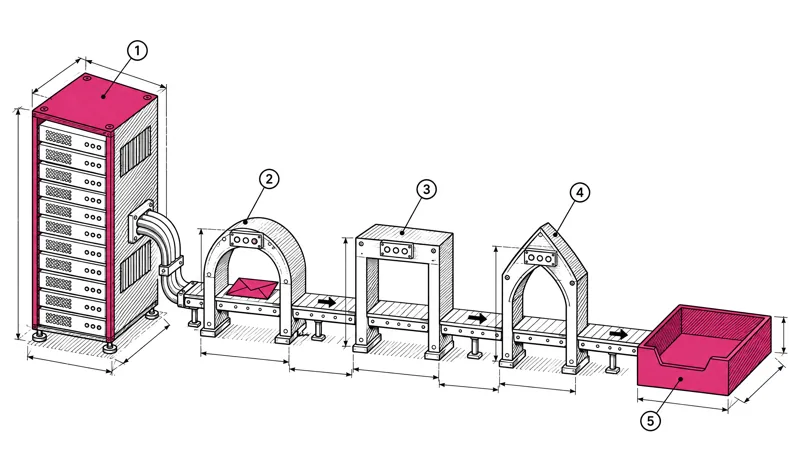
Each provider learns separately. Gmail accepting 30,000 messages does not mean Microsoft will. Check the recipient domain mix of your list before day 1. If 60% of the list is Gmail, a 10,000 send puts 6,000 messages at Gmail. Watch each large provider on its own and slow down only where the signals turn.
What to watch every day
Check these after every send during warm-up, per provider where you can:
| Signal | Where to find it | What it means |
|---|---|---|
421 4.7.28 deferrals at Gmail | Bounce and deferral logs | Gmail has seen an unusual rate of mail from your IP or domain and is rate limiting it |
| Spam complaint rate | Postmaster Tools (Gmail), feedback loop reports (Yahoo, Microsoft) | Gmail asks for below 0.1% and never 0.3% or higher |
| Hard bounces | Campaign report | Old or bad addresses are on the list |
| Postmaster Tools compliance and spam rate | postmaster.google.com | Authentication, unsubscribe and spam rate status for your domain |
| SNDS filter result | Microsoft SNDS | Green, yellow or red for each IP at Outlook.com |
| Clicks by recipient domain | Campaign report | Whether people at each provider still see and use the mail |
Postmaster Tools and SNDS update about once a day, so they confirm trends rather than catch problems in the moment. Deferrals and bounces show up during the send. Read Google Postmaster Tools and Microsoft SNDS covers both dashboards in detail.
Google’s guidance for 4.7.28 is to stop sending for at least 10 minutes, then reconnect one connection at a time. Retrying hard at the same rate makes the limit last longer. Email bounce codes and what to do with each lists the other codes you will see.
When to pause, hold or step back
Warm-up is not a schedule you follow no matter what. Use three responses:
- Hold. Repeat yesterday’s volume instead of raising it. Do this when deferrals appear at one provider, or when complaints rise but stay under 0.1%.
- Step back. Return to the volume of two or three steps earlier, and send only to the most engaged group. Do this when complaints approach 0.3%, when deferrals continue after a hold, or when SNDS turns yellow.
- Stop. Pause sends to that provider and find the cause before sending again. Do this when you see blocks (
550replies that name reputation or unsolicited mail), when SNDS shows red, or when hard bounces jump on a group you just added.
A spike in bounces or complaints right after adding a new group usually points to that group. Remove it, return to the last good step, and add it back later in smaller parts.
Things that break a warm-up
- Adding an old, unmailed list. Addresses that haven’t received mail in a year bounce and hit spam traps. Clean them first or leave them out.
- Changing the From domain at the same time. You lose the domain reputation that would have helped. Change one thing at a time.
- Skipping days. A gap of several days can cost some of the progress. If you must skip, repeat the last volume before raising again.
- Big content changes. A first send with a new template, new links and a new From name gives the providers more unknowns. Keep the content familiar during warm-up.
- Missing authentication. SPF, DKIM and DMARC must pass from day 1. See SPF, DKIM and DMARC: set up a new sending domain.
Warm-up checklist
- SPF, DKIM and DMARC pass on the sending domain.
- Postmaster Tools is set up for the domain. Someone watches SNDS for the IPs (on a provider’s IPs, that is the provider).
- Engagement segments are built: 30 days, 90 days, 6 months.
- You know the recipient domain mix of your list.
- Day 1 volume is small and goes to the most engaged group only.
- Each step raises volume by half or less, never double.
- Deferrals, complaints and bounces are checked after every send.
- Hold, step back and stop rules are agreed before day 1.
How warm-up works at EmailMarketer.io
Dedicated IPs are included from 500,000 emails a month: one IP at 500,000 and 1 million, two at 2 and 3 million, three at 5 million and four at 10 million (see pricing). There is no automatic ramp in the app. Our team plans the warm-up with you, sets your account’s daily sending limit for each step, and raises it as Gmail, Yahoo and Microsoft accept the volume. Senders at this volume have a named deliverability contact who watches the signals with you. More on our approach is on the deliverability page.