

The email your app sends, on the same plan as your newsletter.
Password resets, receipts, alerts and verification codes over an HTTP API or SMTP. Transactional and marketing emails share one monthly allowance, so there is no second bill and no second vendor.
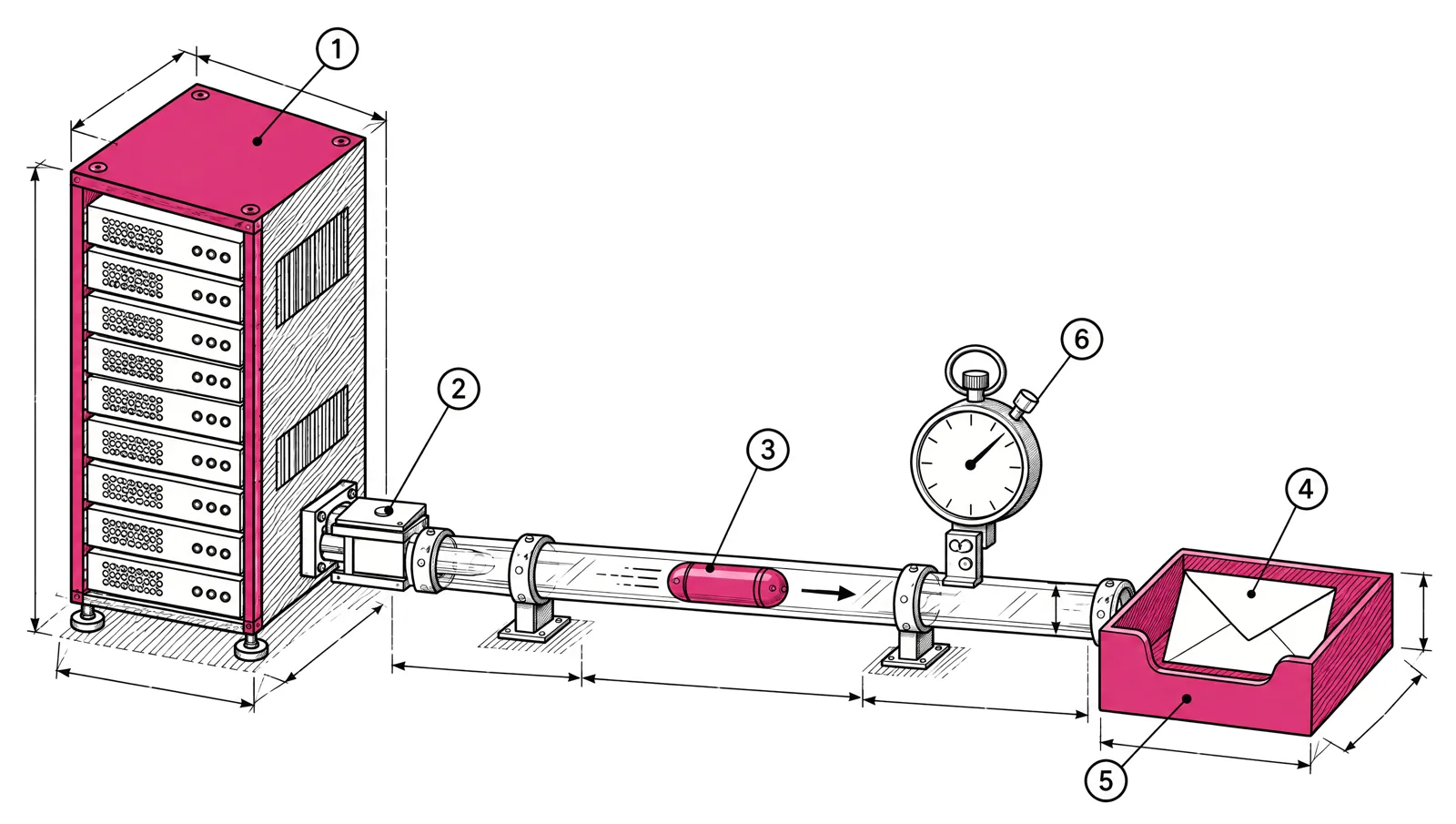
- 1Your app
- 2Send request
- 3One message
- 4Delivered
- 5The inbox
- 6Sent on trigger
One plan for every email you send.
Most teams pay one vendor for newsletters and another for password resets. With EmailMarketer.io both come out of the same monthly emails.
Send through the API, or point your app at SMTP.
Both go through the same delivery line, the same suppression checks and the same event log.
- HTTP API: one request per message, authenticated with a key for your sending domain.
- SMTP relay: username and password per domain, for frameworks and tools that already send mail.
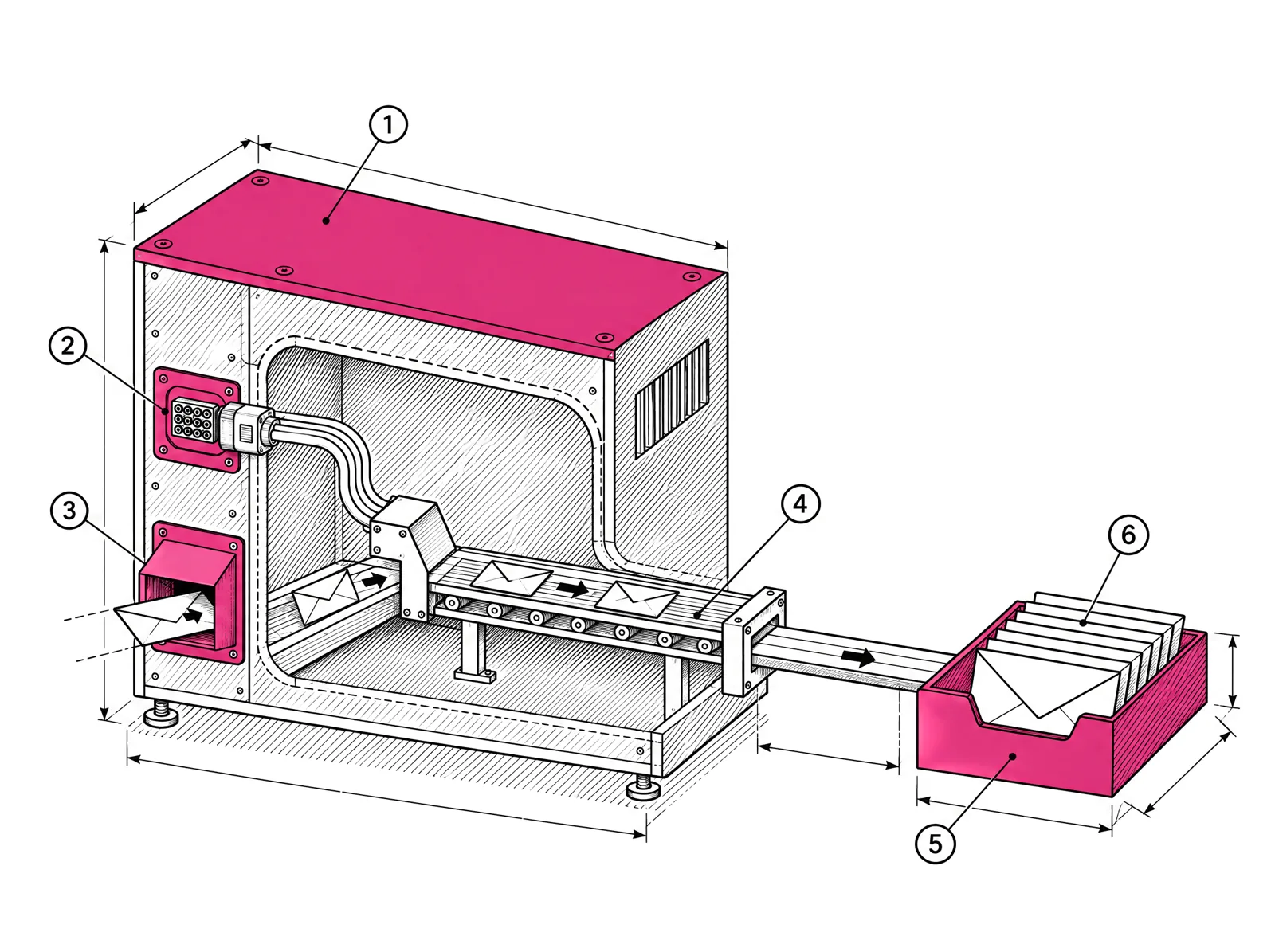
- 1Delivery machine
- 2API port
- 3SMTP port
- 4Shared delivery line
- 5The inbox
- 6Delivered messages
One request, one message.
Send HTML or plain text, use a saved template, attach files and tag messages. Each call returns a message ID, so your app can record what it sent. Add an idempotency key and a retry after a timeout never sends the same email twice.
- Endpoint
- POST /api/v1/email
- Auth
- Bearer key per sending domain
- Response
- A message ID for each call
# Send a password reset
curl -X POST https://app.emailmarketer.io/api/v1/email   -H "Authorization: Bearer $EM_API_KEY"   -H "Content-Type: application/json"   -d '{
    "From": {"name": "Acme", "email": "no-reply@acme.com"},
    "To": [{"email": "jane@example.com"}],
    "Subject": "Reset your password",
    "ContentType": "html",
    "HTMLContent": "<p>Use this link to reset your password.</p>",
    "Tags": ["password-reset"]
  }'

# Response
{"MessageID": "6f1c2a9e-…"}
What comes with every transactional send.
Saved templates
Design once in the app, send by template ID from your code.
Signed event webhooks
Delivery, bounce, open, click and unsubscribe, each signed with HMAC-SHA256.
Suppressed addresses refused
Sends to bounced or complained addresses are blocked with a clear error.
Tracking you control
Turn open and click tracking on or off per domain or per message.
Event log and export
Search every message's events in the app and export them as CSV.
Keys per domain
Each sending domain has its own API keys, SMTP credentials and webhooks.
Every message, searchable.
See what was sent, to whom, and what happened next. Open a stored message to check exactly what your user received.
What apps send.
Password resets
Sent the moment a user asks.
Verification codes
Sign-in codes and email confirmation.
Receipts and invoices
With the PDF attached.
Alerts and notifications
Mentions, limits, status changes.
Order updates
Confirmations, shipping, delivery.
Invitations
Invite a teammate into a workspace.
Transactional questions
Does transactional email cost extra?
No. Marketing and transactional emails share one monthly allowance. A password reset counts as one email, the same as a newsletter.
API or SMTP: which should I use?
Use the API when you control the code: you get templates and tags. Use SMTP when your framework or a third-party tool already sends mail and you only want to change the server settings.
What happens if I send to a suppressed address?
The send is refused. The API returns a clear error so your app can handle it, and the address stays protected from unwanted mail.
How do I know a message was delivered?
Add webhooks for delivery, bounce, open, click and unsubscribe events. Every payload is signed so you can verify it came from us. The event log in the app shows the same history.
Can I send from more than one domain?
Yes. Each sending domain is verified on its own and gets its own API keys, SMTP credentials and webhooks.
Send your app's email from the plan you already have.
7-day trial with 10,000 emails, after a quick account review.