Shared or dedicated IP: which one fits your volume
When a shared IP is the better choice, when a dedicated IP pays off, and why sending too little from your own IP can hurt more than it helps.
Volume and consistency decide it. If you send fewer than about 500,000 emails a month, or send in rare large bursts, a well-run shared IP is usually the better choice. If you send 500,000 or more a month on a steady schedule, a dedicated IP gives you a reputation that only your own sending can change. In both cases your domain reputation still counts, so the IP choice never replaces good list habits.
What the two options are
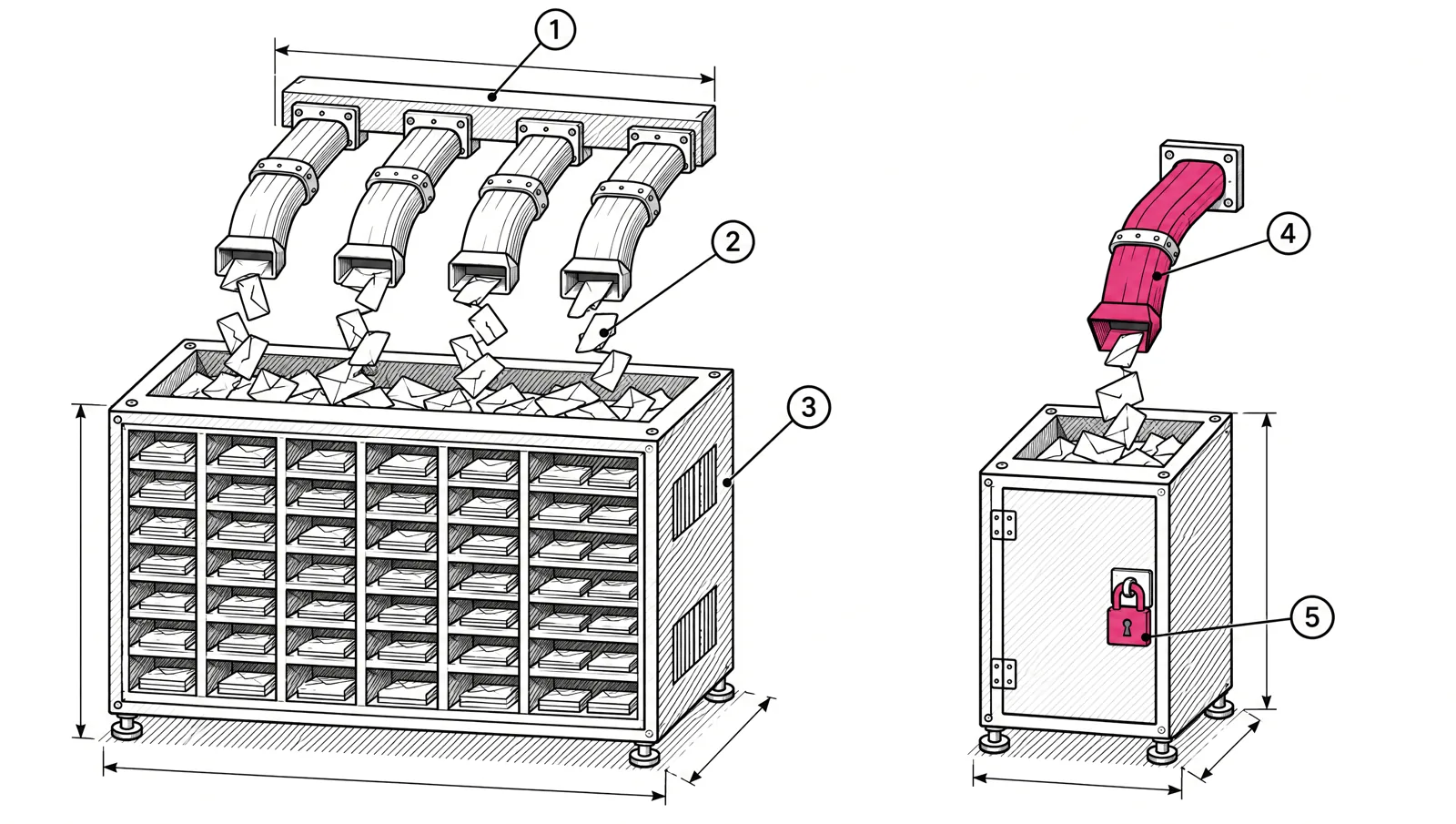
Every email leaves from an IP address. Mailbox providers keep a reputation for each one.
| Shared IP | Dedicated IP | |
|---|---|---|
| Who sends from it | Many senders on the same platform | Only you |
| Reputation built by | All senders on it together | Your sending alone |
| Warm-up needed | No, the platform keeps it warm | Yes, before full volume |
| Volume needed | None | Enough steady volume to keep a history |
| Risk | Another sender’s bad send can affect you | Your own bad send has nowhere to hide |
A shared IP is only as good as the senders on it. That is why the platform’s acceptance rules matter as much as the IP itself.
What Gmail says about shared IPs
Google’s sender guidelines are clear on two points. First, the reputation of a shared IP is shared by every sender on it. Second, the IP quota, the volume Gmail will accept from that IP before it starts limiting, is shared by all senders on the IP. DKIM and SPF quotas, by contrast, are counted per domain.
So on a shared IP, your mail rides on the combined behaviour of everyone else on it. On a well-managed pool that is an advantage. A small sender gets the benefit of a long, steady history it could never build alone. On a badly managed pool it is a liability.
Domain reputation matters either way
Providers also track the reputation of your From domain and your DKIM signing domain. That reputation follows you across IPs, shared or dedicated.
This has three practical effects:
- A dedicated IP does not rescue a domain with a poor reputation. Complaints and bounces still count against the domain.
- A good domain reputation helps a new dedicated IP warm up faster.
- Moving between shared and dedicated IPs keeps your domain history, as long as you keep the same From and DKIM domains.
Set up SPF, DKIM and DMARC on your own domain whichever IP you use. See SPF, DKIM and DMARC: set up a new sending domain.
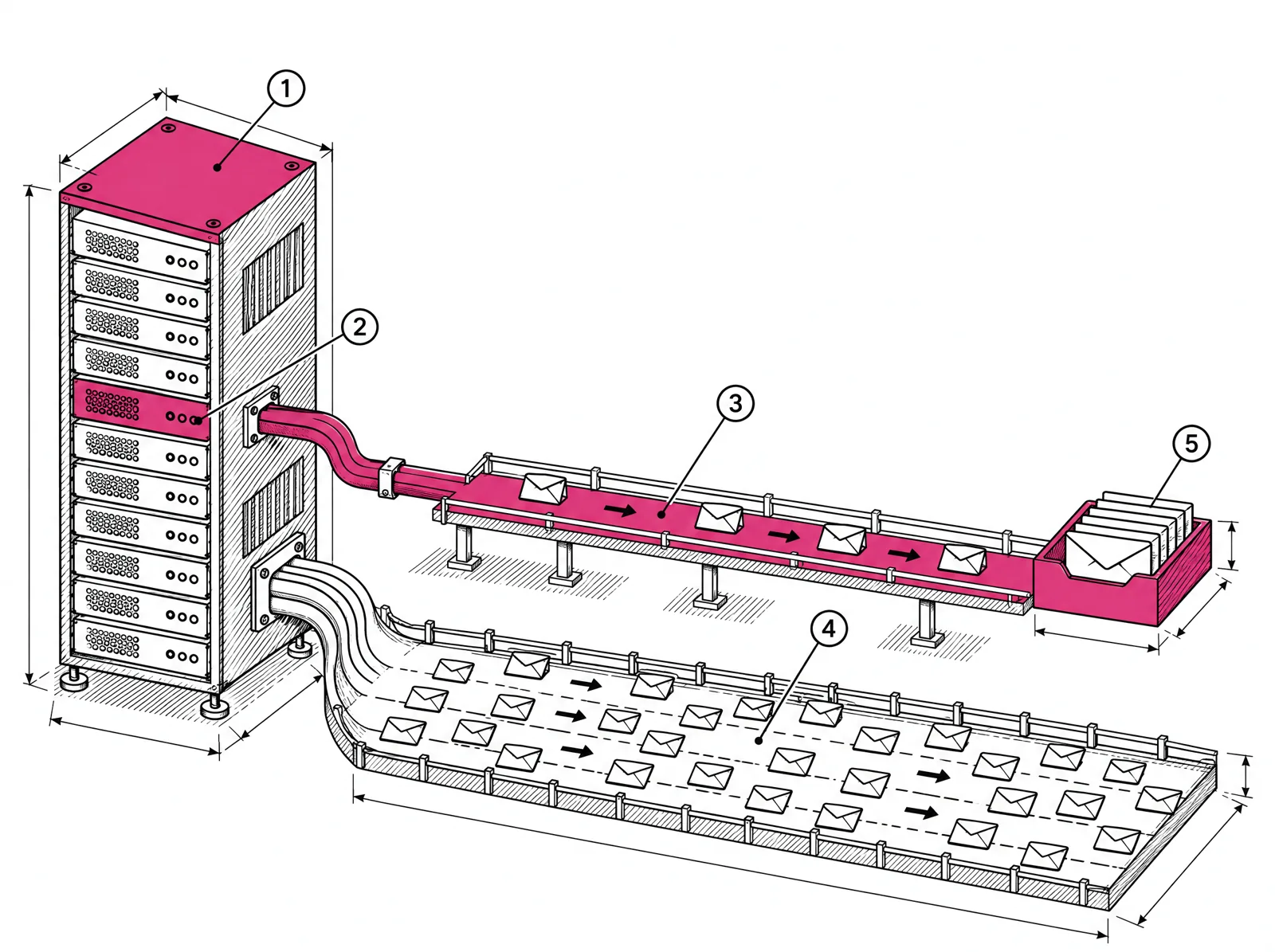
Why low volume on a dedicated IP is worse
A dedicated IP with little mail on it has a thin history. Providers have little to judge it by, and each send looks like a spike after a quiet period. Three things follow:
- Every send is a surprise. An IP that sends 40,000 emails on the first of the month and nothing for the next four weeks looks new each time. Providers may defer or filter it as they would a fresh IP.
- Your monitoring goes dark. Microsoft SNDS may not show traffic data for an IP that sent fewer than 100 messages that day. Google Postmaster Tools may leave out data on days with low volume to protect user privacy. You lose the dashboards that tell you something is wrong.
- One mistake has nothing to dilute it. A bad list import on a small dedicated IP shapes its whole reputation. On a large shared pool, it is a small part of the traffic.
A dedicated IP helps you only when you send enough, often enough, for providers to learn it.
Consistency matters as much as volume
Two senders can both send 600,000 emails a month and need different setups.
| Pattern | Example | Better fit |
|---|---|---|
| Daily | A publisher with 20,000 subscribers sending every day (20,000 × 30 = 600,000) | Dedicated IP. Steady daily volume builds history fast. |
| Weekly | A SaaS with 150,000 users sending a weekly update (150,000 × 4 = 600,000) | Dedicated IP. Plan the warm-up around the weekly send. |
| One burst a month | A company sending 600,000 once a month | Shared IP, or a dedicated IP only if you can add regular mail to it |
Google also notes that daily senders can raise volume faster than weekly senders, which is the same idea from the warm-up side. IP warm-up for 500,000 to 5 million emails a month shows an example schedule for both.
The decision table
| Monthly volume | Sending pattern | Fit |
|---|---|---|
| Under 100,000 | Any | Shared |
| 100,000 to 500,000 | Any | Shared |
| 500,000 to 2 million | Daily or weekly | 1 dedicated IP |
| 2 to 5 million | Daily or weekly | 2 to 3 dedicated IPs |
| Over 5 million | Daily or weekly | 3 or more dedicated IPs, split by mail type |
| Any | Rare, large bursts | Shared, or add steady mail before going dedicated |
How many IPs at higher volumes
More volume eventually needs more than one IP. The reasons are practical:
- Per-IP volume. Spreading 5 million a month across three IPs keeps each one near 55,000 emails a day (5,000,000 ÷ 30 ÷ 3 = 55,556).
- Separate mail types. Google recommends a different IP for each type of message when you use several IPs. Receipts and password resets should not share an IP with promotions. Keep transactional and marketing email apart covers the setup.
- Containment. If one IP runs into trouble, the others keep sending while you fix it.
More IPs is not always better. Each IP needs its own warm-up and its own steady volume. Splitting 500,000 a month across four IPs gives each one about 4,200 emails a day, which brings back the low-volume problem.
What EmailMarketer.io includes
Accounts below 500,000 emails a month send from our shared IPs. We review every account before its first send and refuse purchased lists and cold outreach, because a shared pool is only as clean as its senders. From 500,000 a month, dedicated IPs are included in the price:
| Emails a month | Dedicated IPs | Daily volume per IP on a daily schedule |
|---|---|---|
| 100,000 and 250,000 | Shared | - |
| 500,000 | 1 | about 16,700 |
| 1,000,000 | 1 | about 33,300 |
| 2,000,000 | 2 | about 33,300 |
| 3,000,000 | 2 | about 50,000 |
| 5,000,000 | 3 | about 55,600 |
| 10,000,000 | 4 | about 83,300 |
Our team warms up new IPs with you, and senders at this volume get a named deliverability contact. Prices for each tier are on the pricing page, and the deliverability page explains the account review and warm-up.
Checklist
- Work out your monthly volume and how often you send.
- Under 500,000 a month, or sending in rare bursts: use a shared IP on a platform that reviews its senders.
- 500,000 or more a month on a steady schedule: use a dedicated IP and plan a warm-up.
- Check the daily volume per IP before adding more IPs.
- Use separate IPs or subdomains for transactional and marketing mail at high volume.
- Authenticate your own domain with SPF, DKIM and DMARC either way.