Email migration: switch platforms without losing inbox placement
What reputation carries over when you change email platforms, what starts from zero, and a week-by-week plan to move volume across safely.
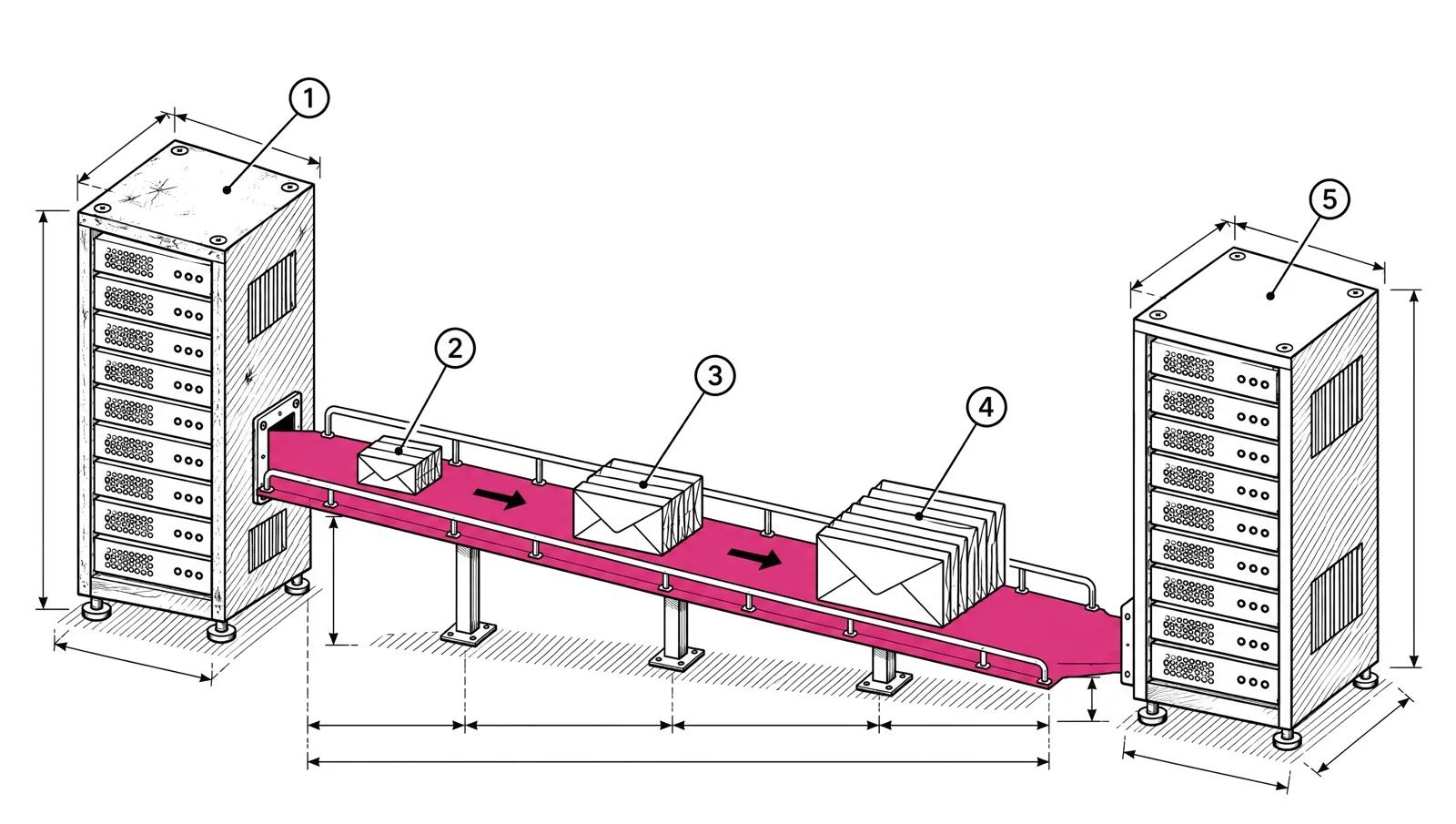
You keep your domain reputation when you change platforms, as long as you send from the same From domain and sign with the same DKIM domain. You lose your IP reputation, because the new platform sends from different IPs. So a safe move has four parts: bring your suppressions across first, authenticate the new platform before the first send, keep your domains unchanged, and shift volume over two to four weeks while the old platform keeps sending the rest.
What carries over and what doesn’t
| Item | Carries over? | Condition |
|---|---|---|
| From domain reputation | Yes | Same domain in the From address |
| DKIM domain reputation | Yes | Same d= domain in the DKIM signature, with a new key from the new platform |
| IP reputation | No | New IPs start with no history |
| Suppressions | Only if you move them | Unsubscribes, bounces and complaints must be imported |
| Engagement history | Only if you move it | Opens and clicks live in the old platform’s reports |
| Postmaster Tools data | Yes | It is tied to your domain, not the platform |
| SNDS data | No | It is tied to IPs |
Mailbox providers like Gmail track both your domain and your IP. A good domain history makes the new IPs easier to establish, but the new IPs still need a ramp. IP warm-up for 500,000 to 5 million emails a month has an example schedule.
Step 1: move suppressions first
Import the suppression list before you import a single contact. That list holds everyone you must not mail:
- People who unsubscribed.
- Addresses that hard bounced.
- People who marked your mail as spam.
If they are missing on the new platform, your first send goes to them. Unsubscribed people mailed again complain. Addresses that bounced before bounce again, from IPs with no history to absorb it. Gmail checks that bulk senders honour unsubscribes within 48 hours, and Yahoo asks for 2 days. Neither makes an exception for a platform change.
Export suppressions again on the last day you send from the old platform, so the final few days are not lost.
Step 2: authenticate the new platform before cutover
Set up the new platform’s DNS records while the old platform is still sending. Both can be authorized at once.
- SPF. Add the new platform’s include to your existing SPF record. Keep the old include until the old platform stops sending. A domain may have only one SPF record, and SPF allows at most 10 DNS lookups.
- DKIM. Add the new platform’s DKIM key under its own selector. Each selector is a separate DNS name, so the old key and the new key work side by side.
- DMARC. Leave your DMARC record as it is. It checks alignment with your From domain, and both platforms sign with your domain.
news.yourcompany.com.  3600  IN  TXT  "v=spf1 include:<old platform> include:<new platform> ~all"
em1._domainkey.news.yourcompany.com.  3600  IN  TXT  "<DKIM key from the new platform>"
Then send a test to a Gmail address, choose Show original, and check that SPF, DKIM and DMARC all show PASS. The full setup is in SPF, DKIM and DMARC: set up a new sending domain.
Step 3: bring engagement data with you
Campaign reports usually stay on the old platform. Without them, the new platform can’t tell your active readers from people who stopped opening a year ago, and the warm-up depends on sending to active readers first.
Before you leave, export a last activity date for each contact, such as last click and last open, and import it as a custom field. Build your warm-up segments from that field:
| Segment | Rule | Use in the move |
|---|---|---|
| Engaged 30 | Clicked or opened in the last 30 days | Week 1 |
| Engaged 90 | Active in the last 90 days | Week 2 |
| Active 180 | Active in the last 6 months | Week 3 |
| Inactive | No activity in 6 months or more | Leave out, or re-engage later |
Step 4: run both platforms in parallel
Move volume across in steps. The new platform sends to the most engaged segment first. The old platform keeps sending to everyone else. Each week, more of the list moves over.
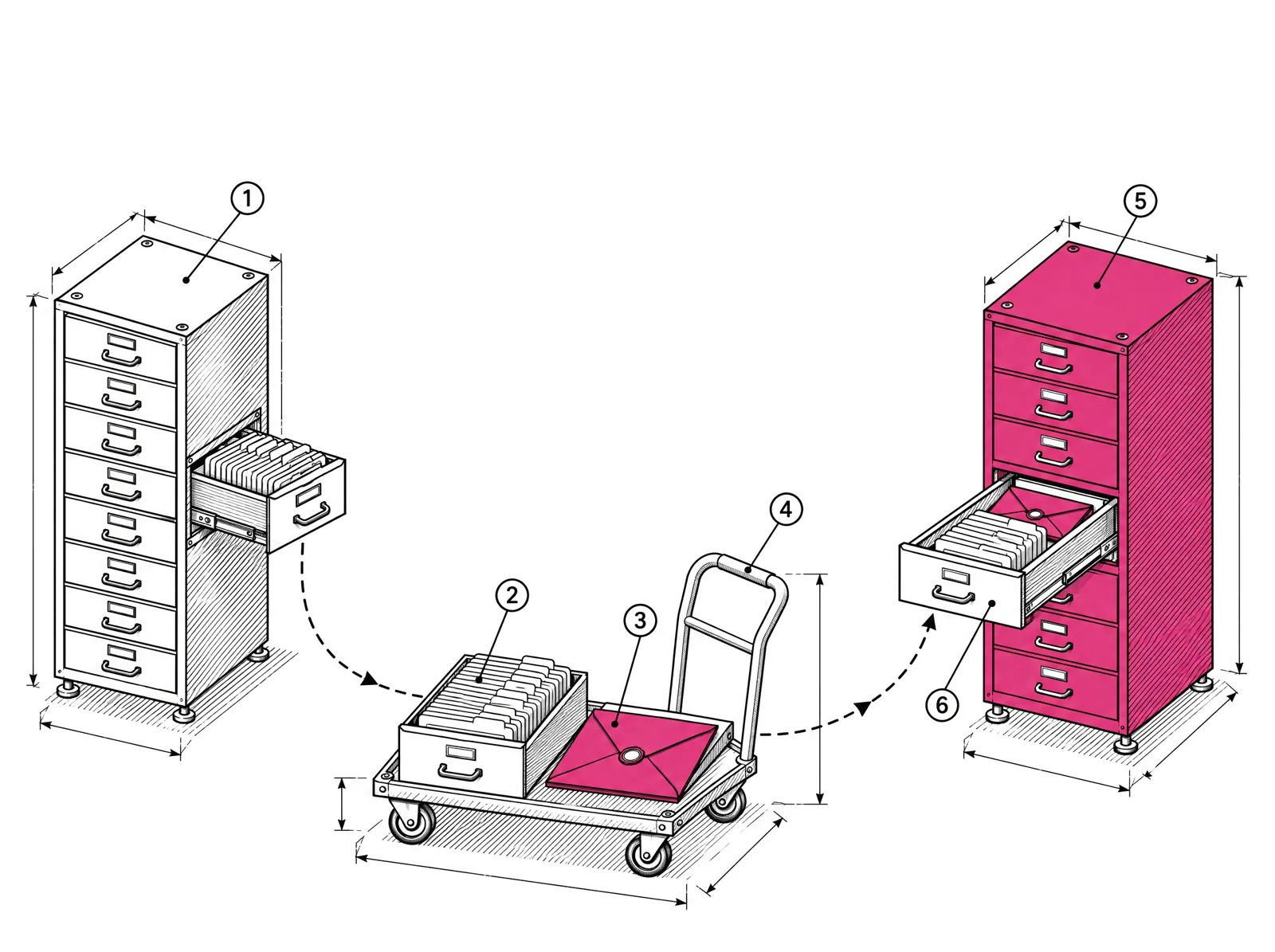
Here is an example for a publisher sending 1,000,000 emails a month on a daily schedule, about 33,000 a day (1,000,000 ÷ 30 = 33,333):
| Week | New platform | Old platform |
|---|---|---|
| Before | DNS set up, suppressions and contacts imported, segments built, test sends pass | Full volume |
| 1 | Engaged 30, rising from about 2,000 to 12,000 a day | Everyone else |
| 2 | Add Engaged 90, rising to about 30,000 a day | The remainder |
| 3 | Full list of active subscribers, about 33,000 a day | Nothing, or a small remainder |
| 4 | Full volume. Watch the signals | Stopped. Final suppression export done |
Keep unsubscribes in sync
During the parallel weeks, a reader can unsubscribe on either platform. Export unsubscribes from each platform every day and import them into the other. Otherwise someone who opted out on Tuesday gets mail from the other platform on Wednesday.
Watch the right signals
Check these after each send on the new platform, per mailbox provider:
- Deferrals such as Gmail’s
421 4.7.28, which means the rate is too high for the new IPs. - Spam complaint rate in Google Postmaster Tools. Gmail asks for below 0.1% and never 0.3% or higher.
- Hard bounces. A spike means suppressions or an old segment slipped through.
- Microsoft SNDS filter result for the new IPs.
Email bounce codes and what to do with each and Read Google Postmaster Tools and Microsoft SNDS cover each signal.
What not to do
- Import everyone and blast. The most common mistake. A full send to the whole list from new IPs on day one looks like a spammer’s first day. Expect deferrals, spam folder placement or blocks.
- Skip the suppression import. Mailing unsubscribed and bounced addresses from new IPs is the fastest way to a bad start.
- Change the From domain in the same move. You lose the domain history that carries you.
- Remove the old DKIM key or SPF include early. Mail still going out from the old platform will fail authentication.
- Close the old account before the final export. You lose the last suppressions and the engagement data.
- Mail the inactive segment in week one. Old addresses bounce and complain more. Add them last, or not at all.
Migration checklist
- Same From domain and DKIM domain on the new platform.
- Suppressions imported before contacts.
- SPF include and DKIM selector for the new platform added, old ones kept.
- Test send passes SPF, DKIM and DMARC.
- Last activity dates imported as a custom field, and engagement segments built.
- Week-by-week plan agreed, with the old platform carrying the remainder.
- Unsubscribes synced both ways every day during the parallel run.
- Deferrals, complaints and bounces checked after every send.
- Final suppression export from the old platform before closing it.
Moving to EmailMarketer.io
Migration is free on every plan. We move your contacts and custom fields, lists and tags, unsubscribes, bounces and complaints. We rebuild your segments, HTML templates, automations and journeys together with you. Campaign history and reports stay on your old platform. From 500,000 emails a month your dedicated IPs are included, and our team plans the warm-up with you while your old platform keeps sending (see deliverability).