Transactional vs marketing email: why to keep them apart
Split password resets and receipts from newsletters with separate subdomains, From addresses and DKIM domains, so a bad campaign never delays a login email.
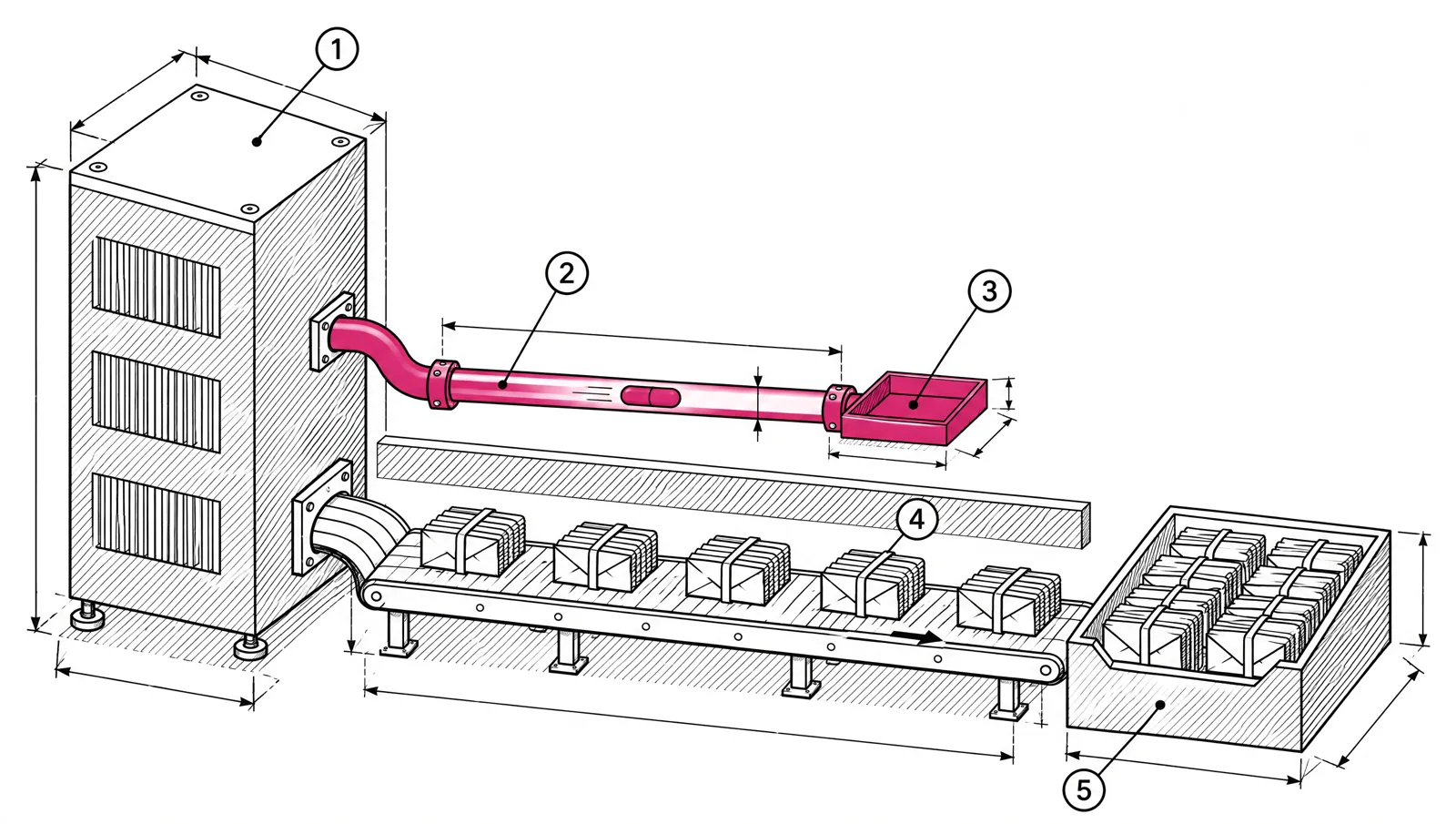
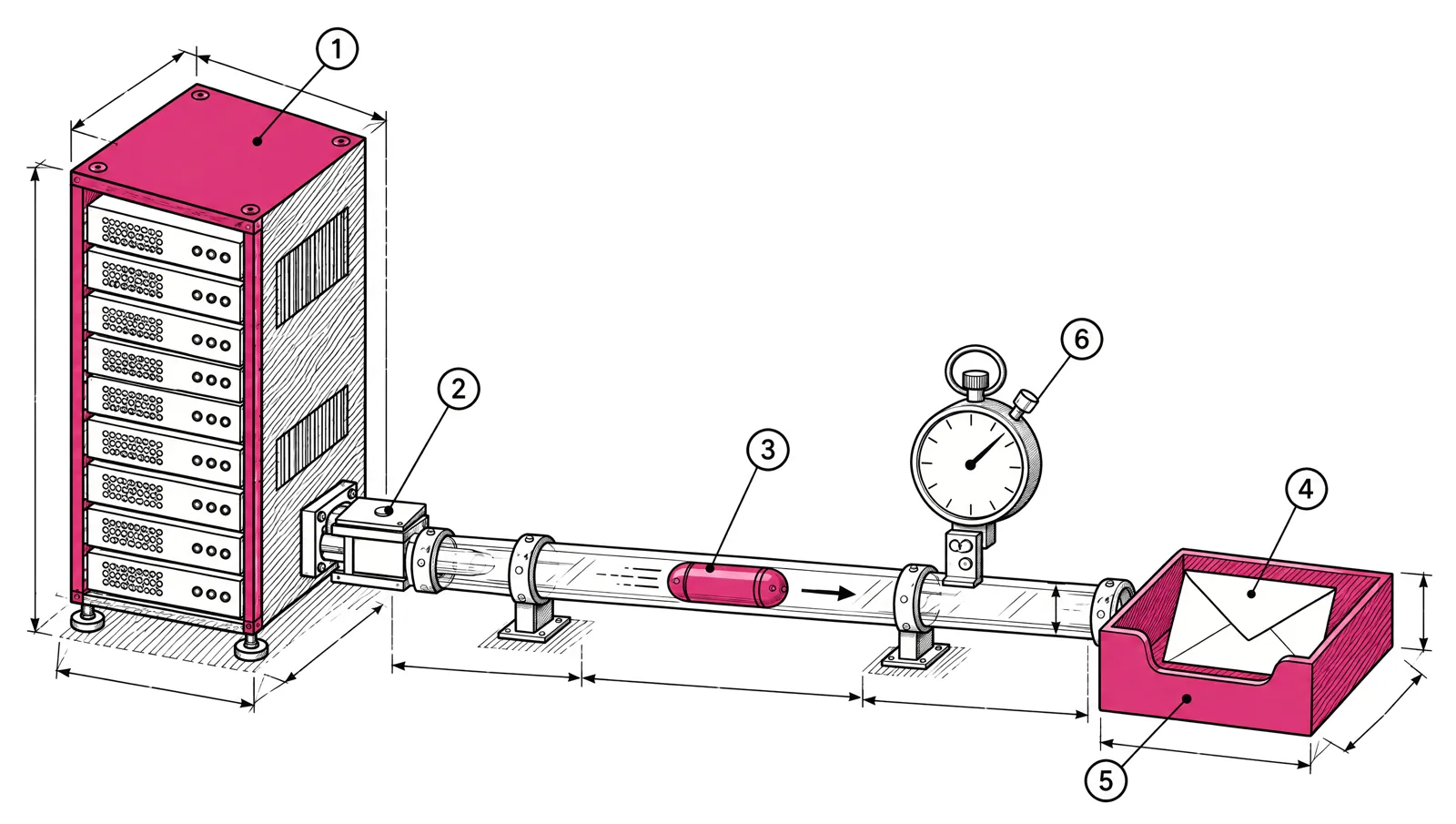
Transactional email, such as password resets and receipts, has to arrive in seconds. Marketing email, such as newsletters and product updates, draws more spam complaints. If both share a domain and IPs, complaints on a campaign can slow down the mail your users are waiting for. Send them from separate subdomains, with separate From addresses and DKIM domains, and keep promotions out of transactional messages. Gmail and Yahoo both recommend this split.
What the providers say
Both providers say it in their own sender guidance.
| Provider | Advice |
|---|---|
| Gmail | If you use several IPs, use a different IP for each type of message. Use the same From address for each category of message. Don’t mix promotional content into transactional messages such as receipts. |
| Yahoo | Separate bulk mail from transactional mail by IP or by DKIM domain. Send different content types through separate IPs and streams. Sending commercial mail from the IPs that carry transactional mail can hurt your reputation. |
Yahoo’s “by IP or by DKIM domain” is the important part. You do not need separate IPs to start. Separate domains already give mailbox providers two reputations to judge instead of one.
Why it matters
Mailbox providers build reputation from what recipients do with your mail. Marketing mail gets ignored, deleted and reported more than a receipt someone asked for a minute ago. When both streams share one identity, the marketing stream’s reputation is the one that counts.
The cost of that is uneven:
- A newsletter that lands in spam loses some readers for a day.
- A password reset that lands in spam, or arrives 20 minutes late, loses a user and creates a support ticket.
Separation also makes problems easier to find. If complaints rise on news.example.com, you know which stream to look at, and mail.example.com keeps delivering.
What goes in each stream
The test is simple. If the recipient asked for this exact message by doing something, and would be harmed by not getting it, it is transactional.
| Message | Stream | Why |
|---|---|---|
| Password reset, sign-in code, email verification | Transactional | Requested by the user, needed right now |
| Receipt, invoice, payment failed | Transactional | Triggered by a payment |
| Security alert, account change notice | Transactional | The user needs to know |
| Comment, mention or activity notification | Transactional, if the user turned it on | Triggered by an event the user follows |
| Newsletter, product announcement, promotion | Marketing | Sent to a list |
| Onboarding tips, trial ending, win-back | Marketing | Sent on a schedule to encourage use |
Lifecycle emails like onboarding tips sit in between. They are triggered by events, but their job is to sell. Put them in the marketing stream, with an unsubscribe link. If you are unsure, ask whether the user could reasonably unsubscribe from it. If they could, it is marketing.
The layout
Here is a layout for a company at example.com. Your staff keep the root domain for everyday mail.
| Item | Transactional | Marketing |
|---|---|---|
| Sending subdomain | mail.example.com | news.example.com |
| From address | no-reply@mail.example.com or billing@mail.example.com | updates@news.example.com |
DKIM d= domain | mail.example.com | news.example.com |
| Return-Path (SPF) | bounce.mail.example.com | bounce.news.example.com |
| One-click unsubscribe | Not required for transactional mail | Required for bulk senders |
| Sent by | Your app, through an API or SMTP | Campaigns and journeys |
Each subdomain gets its own SPF, DKIM and DMARC records. They look like this, with values from your sending platform:
; Transactional
mail.example.com.                 3600  IN  TXT  "v=spf1 include:<value from your platform> ~all"
tx1._domainkey.mail.example.com.  3600  IN  TXT  "v=DKIM1; k=rsa; p=MIIBIjANBgkqh..."
_dmarc.mail.example.com.          3600  IN  TXT  "v=DMARC1; p=reject; rua=mailto:dmarc-reports@example.com"

; Marketing
news.example.com.                 3600  IN  TXT  "v=spf1 include:<value from your platform> ~all"
mk1._domainkey.news.example.com.  3600  IN  TXT  "v=DKIM1; k=rsa; p=MIIBIjANBgkqh..."
_dmarc.news.example.com.          3600  IN  TXT  "v=DMARC1; p=reject; rua=mailto:dmarc-reports@example.com"
The SPF record sits on whichever domain your platform uses in the Return-Path. Some platforms use the subdomain itself, others a bounce. subdomain under it. The full walkthrough for each record is in SPF, DKIM and DMARC: set up a new sending domain. New subdomains have no history, so you can publish p=reject once they pass, as described in from p=none to p=reject.
Keep the From addresses stable
Gmail asks for the same From address for each category of message. Pick one address per stream and keep it. Changing updates@ to hello@ for one campaign resets what recipients and filters have learned about it.
What separation does not change
Two limits are worth knowing before you plan around them.
- Gmail’s bulk sender count is per primary domain. Gmail adds up mail from
mail.example.com,news.example.comandexample.comwhen it counts the 5,000 messages a day to personal Gmail accounts. Splitting streams does not keep you under the bulk sender rules. - Your brand is still the same. People who get too many newsletters may report the company, not the subdomain. Separation protects the transactional stream from the effects. It does not excuse a high complaint rate on the marketing stream.
IPs: shared, dedicated or split
Domains are the first layer. IPs are the second.
- On shared IPs, your mail sits with other senders’ mail. Gmail notes that IP reputation on a shared IP is shared by everyone on it. Separate domains still give your streams their own domain reputation.
- On dedicated IPs, you can go further and send each stream from its own IP, as Gmail and Yahoo suggest. That works best when each stream has enough steady volume to build a reputation of its own.
Which IP model fits your volume is a separate decision, covered in shared or dedicated IP: which one fits your volume.
Tracking on transactional mail
Open and click tracking rewrites links and adds a tracking pixel. On a password reset or sign-in link, that adds a redirect between the user and the page they need. Many teams turn tracking off for security messages and keep it for receipts and notifications. Decide per message type, not for the whole stream.
Checklist
- List every email your product and team send. Mark each one transactional or marketing with the test above.
- Create two sending subdomains, one per stream. Keep the root domain for staff mail.
- Publish SPF, DKIM and DMARC for each subdomain. Use a separate DKIM key per subdomain.
- Pick one From address per category and keep it.
- Remove promotional content from receipts and notices.
- Add one-click unsubscribe and a body link to every marketing message.
- Decide tracking per transactional message type.
- If you have dedicated IPs, consider one per stream once each has steady volume.
- Watch complaints and bounces per stream, not only in total.
In EmailMarketer.io, transactional email goes out over the API or SMTP, per verified sending domain, with its own keys and webhooks for each domain. It counts against the same monthly allowance as your campaigns, so running two streams does not mean two bills. Adding mail. and news. as separate sender domains gives each one its own generated SPF and DKIM records. See transactional email for the API and SMTP details, and sending through an API with retries for the code side.