DMARC policy: move from p=none to p=reject safely
Move DMARC to enforcement safely: inventory every sender from rua reports, fix alignment, set subdomain policy, stage the change and keep a rollback ready.
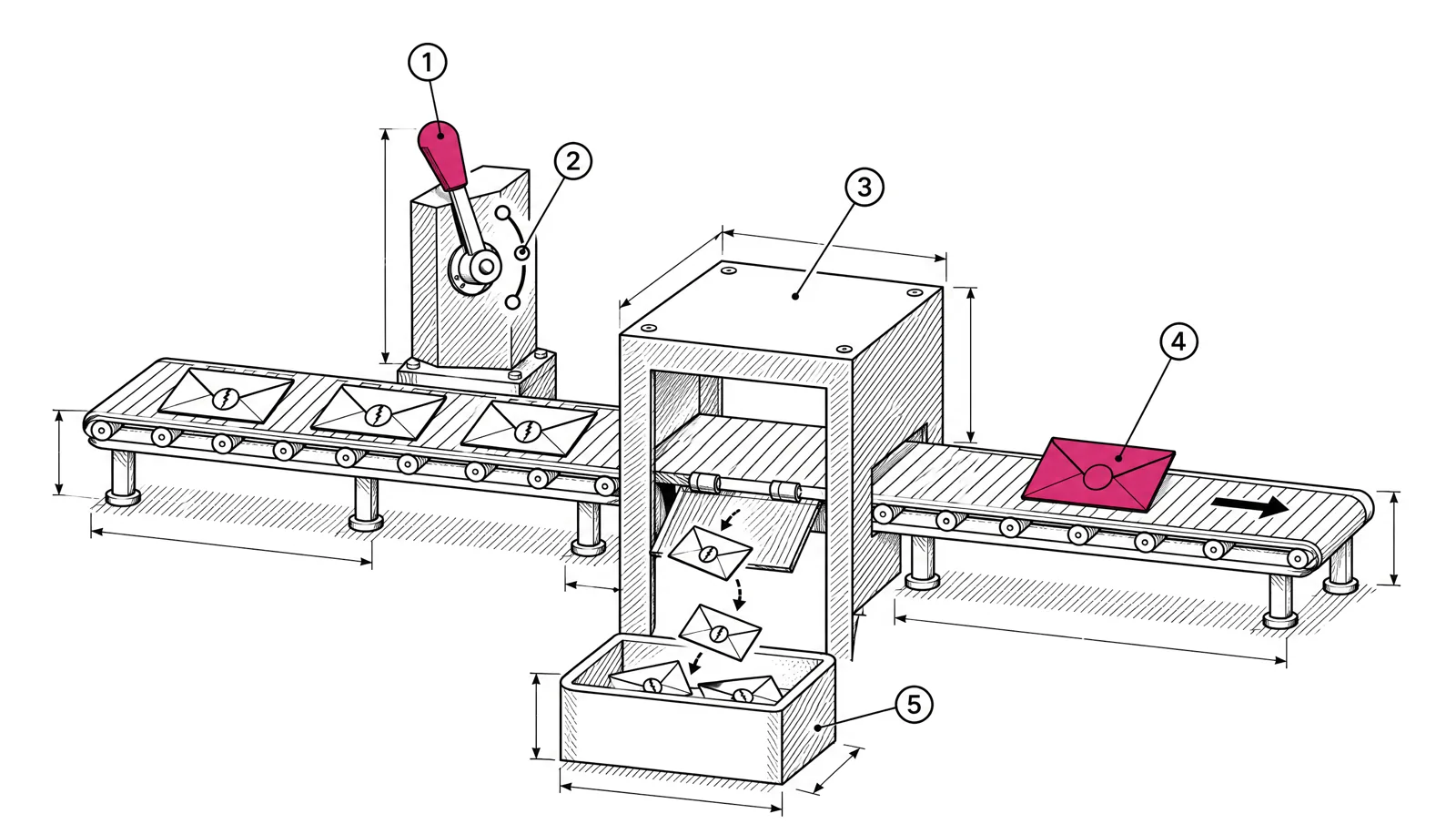
A DMARC record at p=none meets the Gmail, Yahoo and Microsoft minimum, but it does not stop anyone from sending mail as your domain. Moving to p=reject does. The risk is rejecting your own mail from a service you forgot. The safe path is to find every service that sends as your domain in your aggregate reports, make each one pass in alignment, then tighten the policy in steps you can undo within minutes.
What changes at each policy
| Policy | What receivers do with mail that fails DMARC | Protects against spoofing |
|---|---|---|
p=none | Deliver as usual and send reports | No |
p=quarantine | Treat it as suspicious, usually the spam folder | Partly |
p=reject | Refuse it during the SMTP session | Yes |
DMARC passes when SPF or DKIM passes and the domain that passed matches the domain in the visible From line. That match is called alignment. Most failures on the way to p=reject are alignment failures, not missing records. If you have not set up the three records yet, start with SPF, DKIM and DMARC: set up a new sending domain.
Step 1: turn on aggregate reports
Aggregate reports are XML files that receivers send daily to the address in your rua tag. Each one lists the IP addresses that sent mail using your domain in the From line, how many messages, and whether SPF and DKIM passed and aligned.
_dmarc.example.com. 3600 IN TXT "v=DMARC1; p=none; rua=mailto:dmarc-reports@example.com"The raw XML is hard to read at volume. Send reports to a mailbox that a DMARC report tool reads, or parse them yourself. Collect at least a few weeks before you change anything. A monthly invoice run or a quarterly survey tool only shows up when it sends.
Step 2: build the sender inventory
Group the report rows by source and decide what to do with each one. A typical company finds more senders than it expected.
| Source in the reports | Usual owner | Action |
|---|---|---|
| Staff mailboxes (your office suite) | IT | Make sure DKIM is enabled with your own domain |
| Email marketing platform | Marketing | Use your own sending subdomain with its own DKIM key |
| Transactional email API | Engineering | Same, on a separate subdomain |
| Help desk, CRM, billing, HR tools | Each team | Set up the vendor’s DKIM for your domain, or send from a subdomain the vendor controls |
| Forwarders and mailing lists | Nobody | Expect SPF to fail. DKIM usually survives if the message is not changed |
| IPs you do not recognise | Nobody | Spoofing. This is what p=reject will stop |
For each legitimate source, aim for aligned DKIM. SPF alignment breaks when mail is forwarded, because the forwarding server is not in your SPF record. A DKIM signature with d=example.com, or a subdomain of it, survives forwarding as long as the signed parts of the message are not changed.
Your inventory is done when every legitimate source shows DKIM pass and alignment in the reports, and the only failures left are sources you do not recognise.
Step 3: check alignment mode
Two tags control how strict alignment is. Both default to relaxed.
| Tag | Meaning | Values |
|---|---|---|
adkim | DKIM alignment mode | r relaxed (default), s strict |
aspf | SPF alignment mode | r relaxed (default), s strict |
Relaxed means a subdomain aligns with its parent: DKIM for news.example.com aligns with a From address at example.com. Strict means the domains must match exactly. Keep the default. Strict mode adds failures and protects little.
Step 4: decide the subdomain policy
The record at _dmarc.example.com also covers subdomains that have no record of their own. That matters, because attackers like to use subdomains nobody watches.
| Tag | What it covers | If absent |
|---|---|---|
p | The domain itself | Required |
sp | Existing subdomains without their own DMARC record | The p value applies |
np | Subdomains that do not exist in DNS (defined in RFC 9989) | The sp value, or p if there is no sp |
A subdomain with its own _dmarc record uses that record. That lets you move each sending subdomain on its own schedule. A common order:
- Publish
p=rejecton new sending subdomains from the start, once they are authenticated. They have no history to break. - Set
sp=rejectearly if your subdomains do not send mail. - Move the root domain last, because it carries staff mail and the most third-party tools.
; Root still monitoring, unused subdomains blocked
_dmarc.example.com.       3600  IN  TXT  "v=DMARC1; p=none; sp=reject; rua=mailto:dmarc-reports@example.com"

; Sending subdomain with its own record, already enforcing
_dmarc.news.example.com.  3600  IN  TXT  "v=DMARC1; p=reject; rua=mailto:dmarc-reports@example.com"
Step 5: stage the change, and know what pct really does
In RFC 7489, the original DMARC specification, the pct tag applies the policy to a share of failing mail. Its default is 100. The messages not selected do not get “no policy”:
- With
p=quarantine; pct=25, the other 75% of failing mail gets the receiver’s normal handling. - With
p=reject; pct=25, the other 75% is treated asquarantine.
In May 2026 the IETF published RFC 9989, which obsoletes RFC 7489 and makes DMARC a Proposed Standard. It removes pct and adds a t tag for testing. With t=y, receivers apply the policy one level lower: p=reject is handled as quarantine, and p=quarantine as none. RFC 9989 also says receivers must ignore tags they do not know.
Because of that, the safest stages are the policies themselves, not percentages.
| Stage | Record | Move on when |
|---|---|---|
| 1. Monitor | p=none | Every legitimate source passes aligned DKIM for at least 2 weeks |
| 2. Quarantine | p=quarantine | No legitimate source shows failures for 2 to 4 weeks, and no one reports missing mail |
| 3. Reject | p=reject | Keep watching reports. New tools appear every quarter |
Write the dates down and tell every team that sends mail before each step. The help desk hears about missing mail before anyone else.
Step 6: keep a rollback ready
DNS changes take effect as caches expire. Lower the TTL of the _dmarc record a day before each change so you can undo it quickly.
; A day before the change: short TTL
_dmarc.example.com.  300  IN  TXT  "v=DMARC1; p=none; rua=mailto:dmarc-reports@example.com"

; Change day
_dmarc.example.com.  300  IN  TXT  "v=DMARC1; p=quarantine; rua=mailto:dmarc-reports@example.com"

; Rollback, if a legitimate source starts failing
_dmarc.example.com.  300  IN  TXT  "v=DMARC1; p=none; rua=mailto:dmarc-reports@example.com"
Check what receivers will see:
dig +short TXT _dmarc.example.com
dig +short TXT _dmarc.news.example.com
Roll back when a legitimate service starts failing, fix its DKIM, then move forward again. A rollback costs nothing except a few days. Rejected invoices or password resets cost much more. Raise the TTL again once a stage is stable.
Signs you need to roll back:
- Aggregate reports show failures from an IP range you know is yours.
- Bounces from your own services with DMARC in the reason.
- Colleagues or customers report missing mail from a tool.
Common mistakes
- Moving the root domain first. It has the most senders. Move sending subdomains first.
- Trusting SPF alone. A vendor that passes SPF with its own Return-Path domain is not aligned with yours. Ask for DKIM with your domain.
- Two DMARC records on the same name. Receivers then treat it as if there were no valid record. Keep one.
- Dropping the
ruatag after reachingp=reject. Reports are how you find the next forgotten tool and see spoofing attempts. - Forgetting
sp. Without it, every subdomain inherits the root policy. That is fine atp=rejectonly if no subdomain sends unauthenticated mail.
Checklist
- Publish
p=nonewith aruaaddress. Collect reports for a few weeks. - List every source in the reports and name an owner for each.
- Give every legitimate source aligned DKIM with your domain or a subdomain.
- Set
sp=rejectif your subdomains do not send, or give each sending subdomain its own record. - Lower the
_dmarcTTL to 300 seconds a day before each change. - Move to
p=quarantine. Watch reports and bounces for 2 to 4 weeks. - Move to
p=reject. Keepruaand keep reading the reports. - Restore a normal TTL once each stage is stable.
Separate subdomains make this much easier, because each stream moves on its own. See keep transactional and marketing email apart. In EmailMarketer.io, each sender domain gets generated SPF and DKIM records, and the sender domain page checks your DMARC record next to them. If you are moving from another platform, our free migration includes setting up these records with you. More on authentication in the app.